1Mellow work team
Thank you for coming to our shop. We are committed to developing 3D printer accessories that can be used on all 3D printers. We have 3 main product lines: NF Extruders, NF Hotends and FLY Motherboards and Electronics. We hope our products will bring you better overall experience. If you have any ideas (products, use, sales), please contact us. We look forward to hearing from you.
1Description
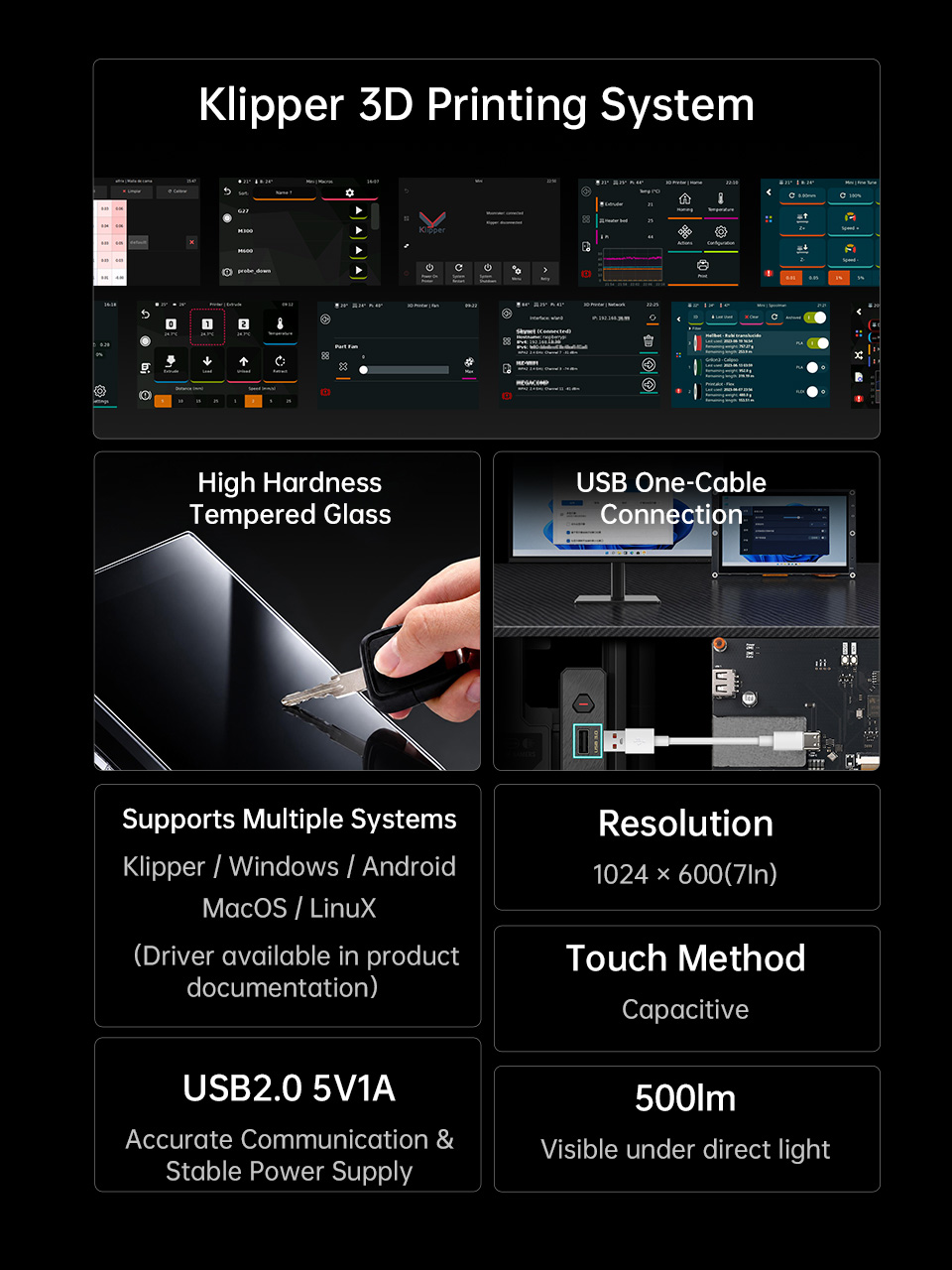
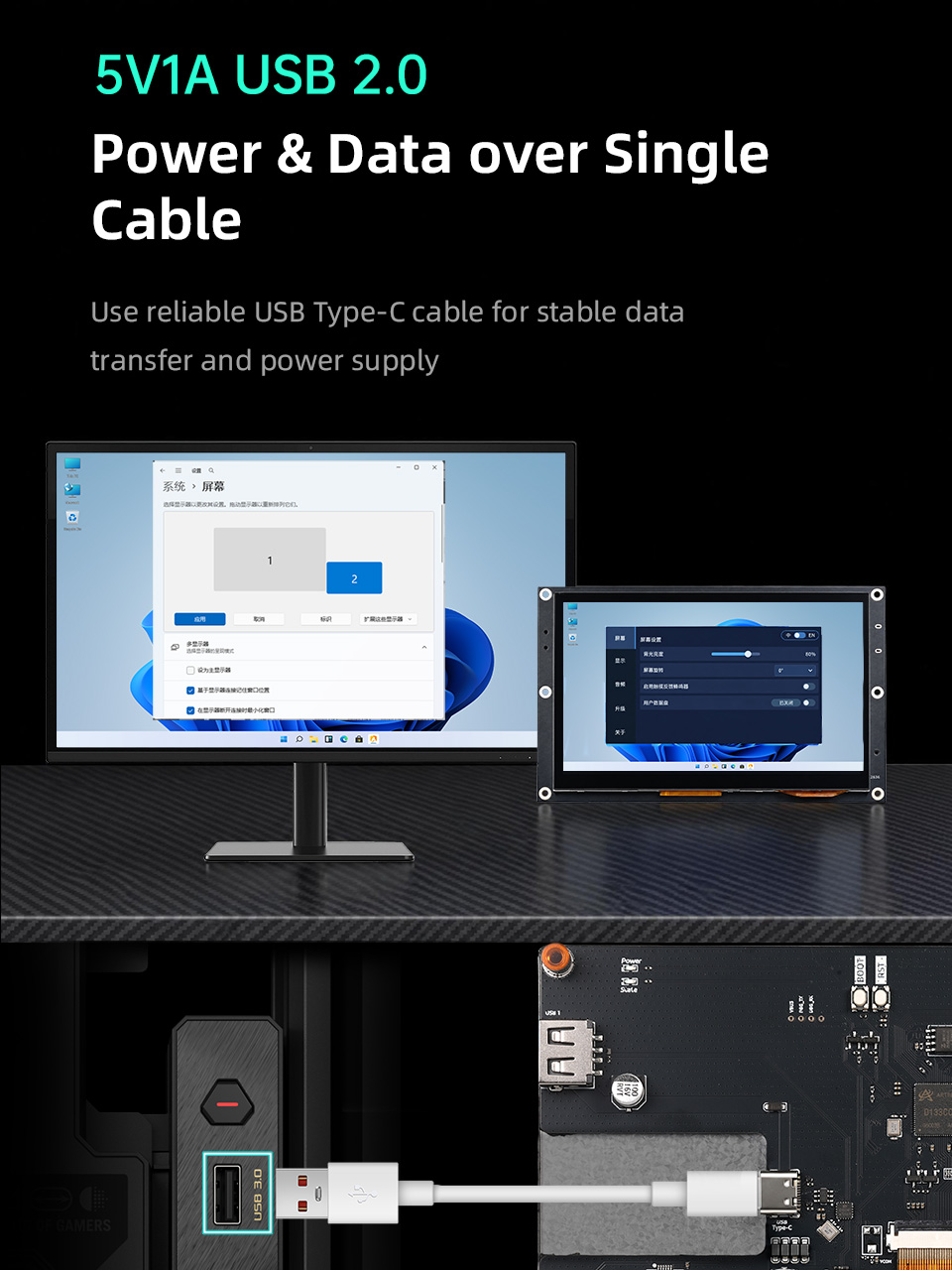
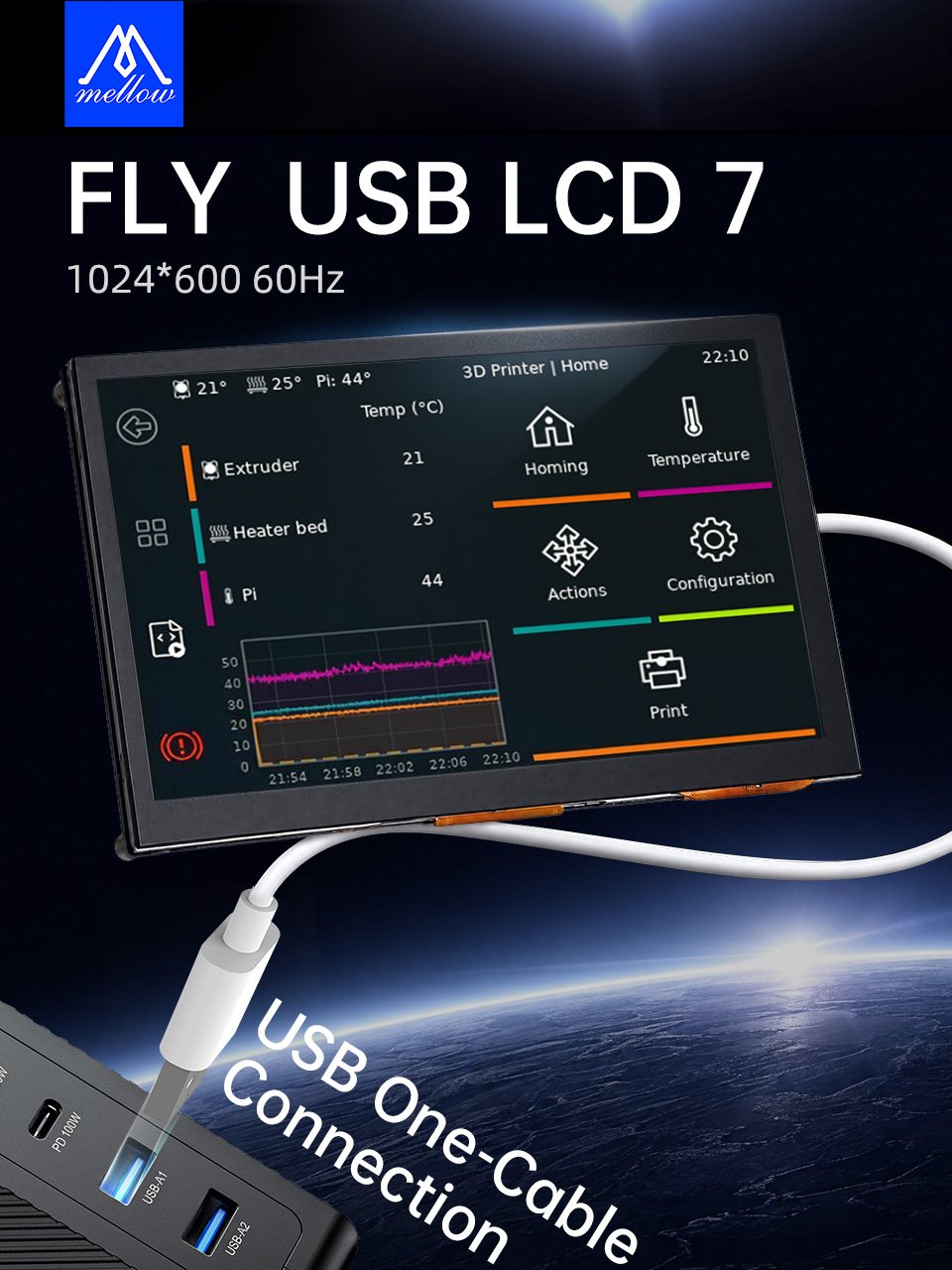
One USB Cable, No HDMI — Video + audio + touch + power all through a single USB-C cable. Clean desk, no cable mess.
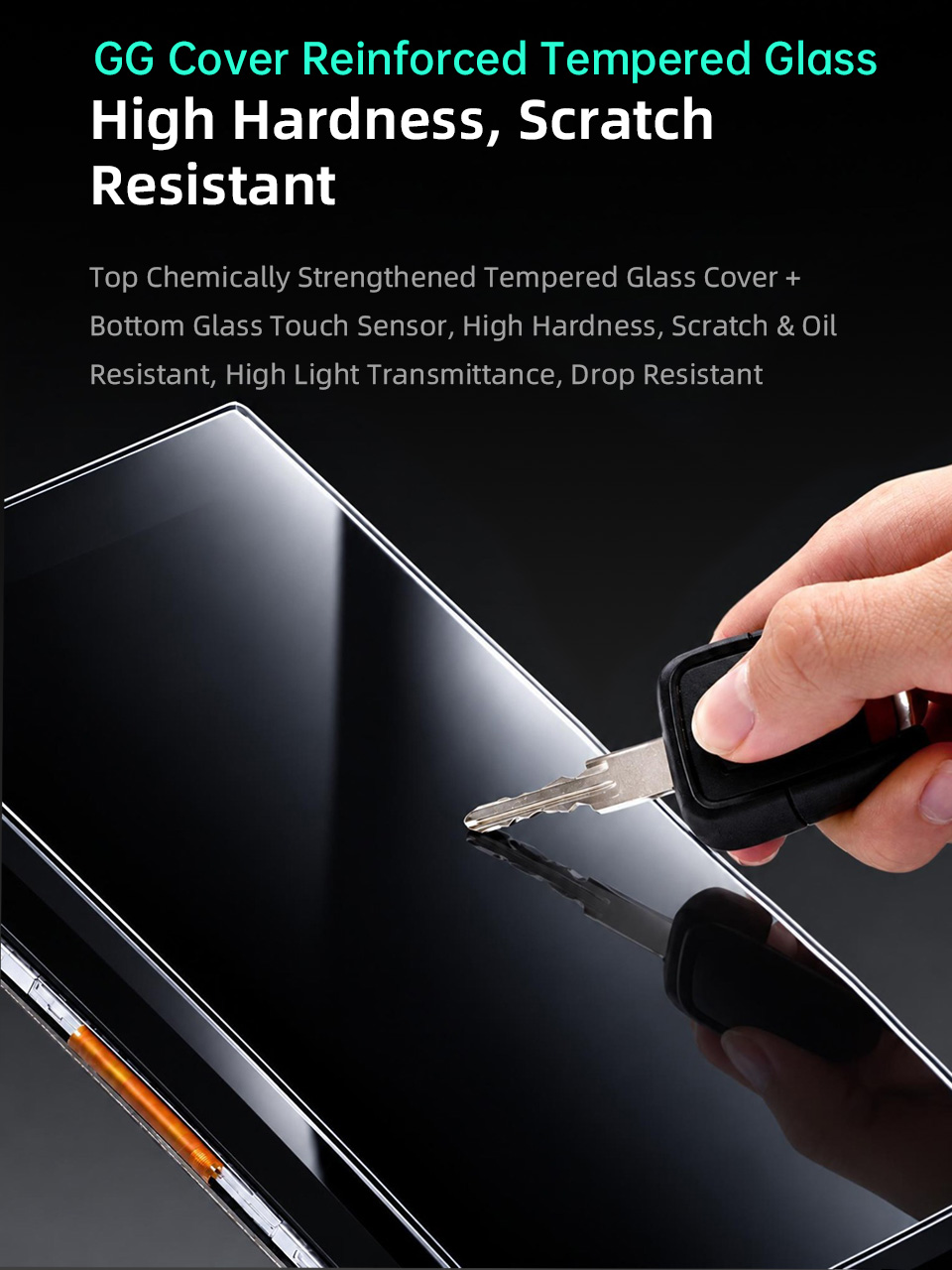
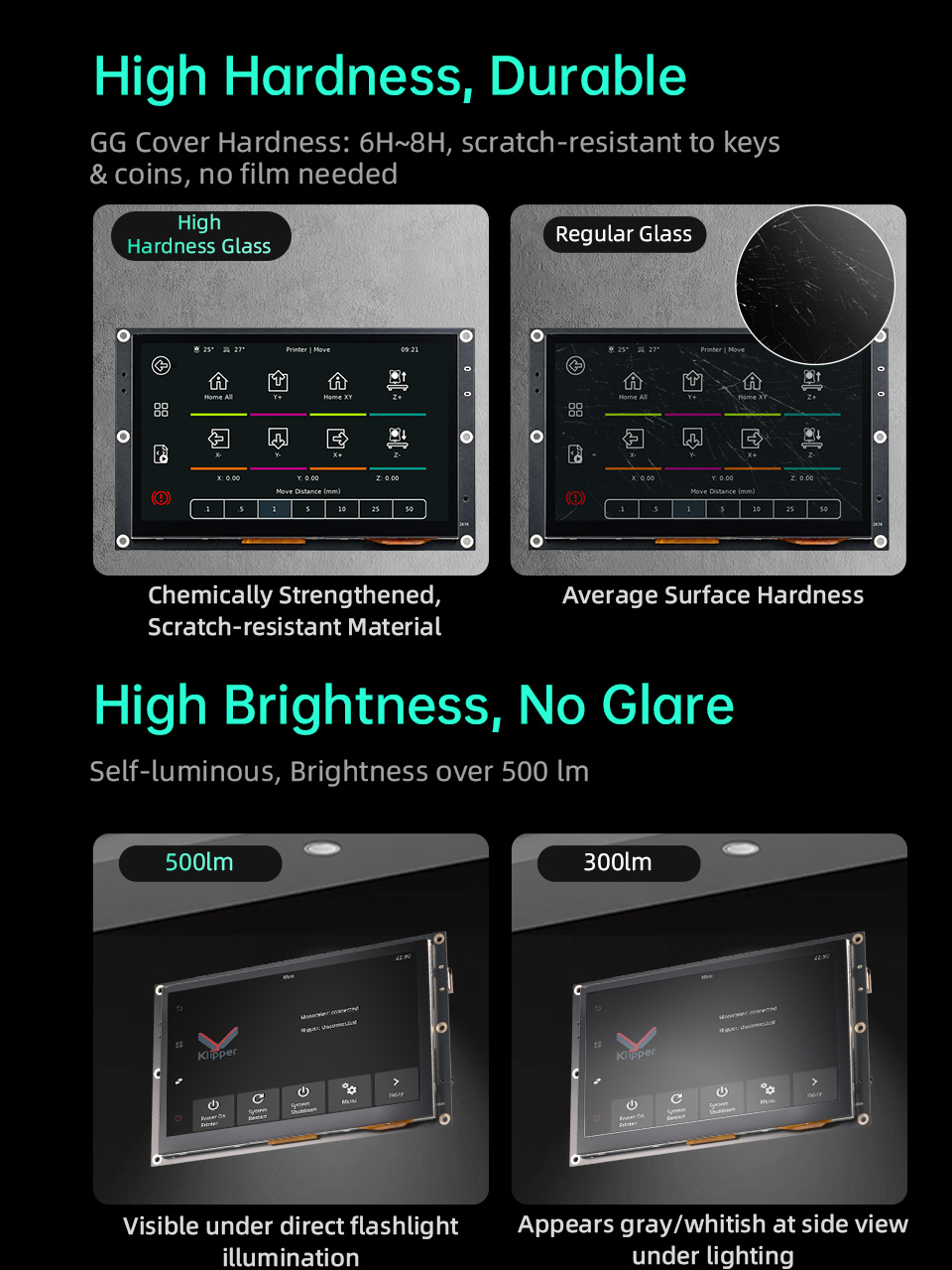
Tempered Glass Panel — Harder and more scratch-resistant than acrylic. Survives thousands of daily touches without hazing or fogging.
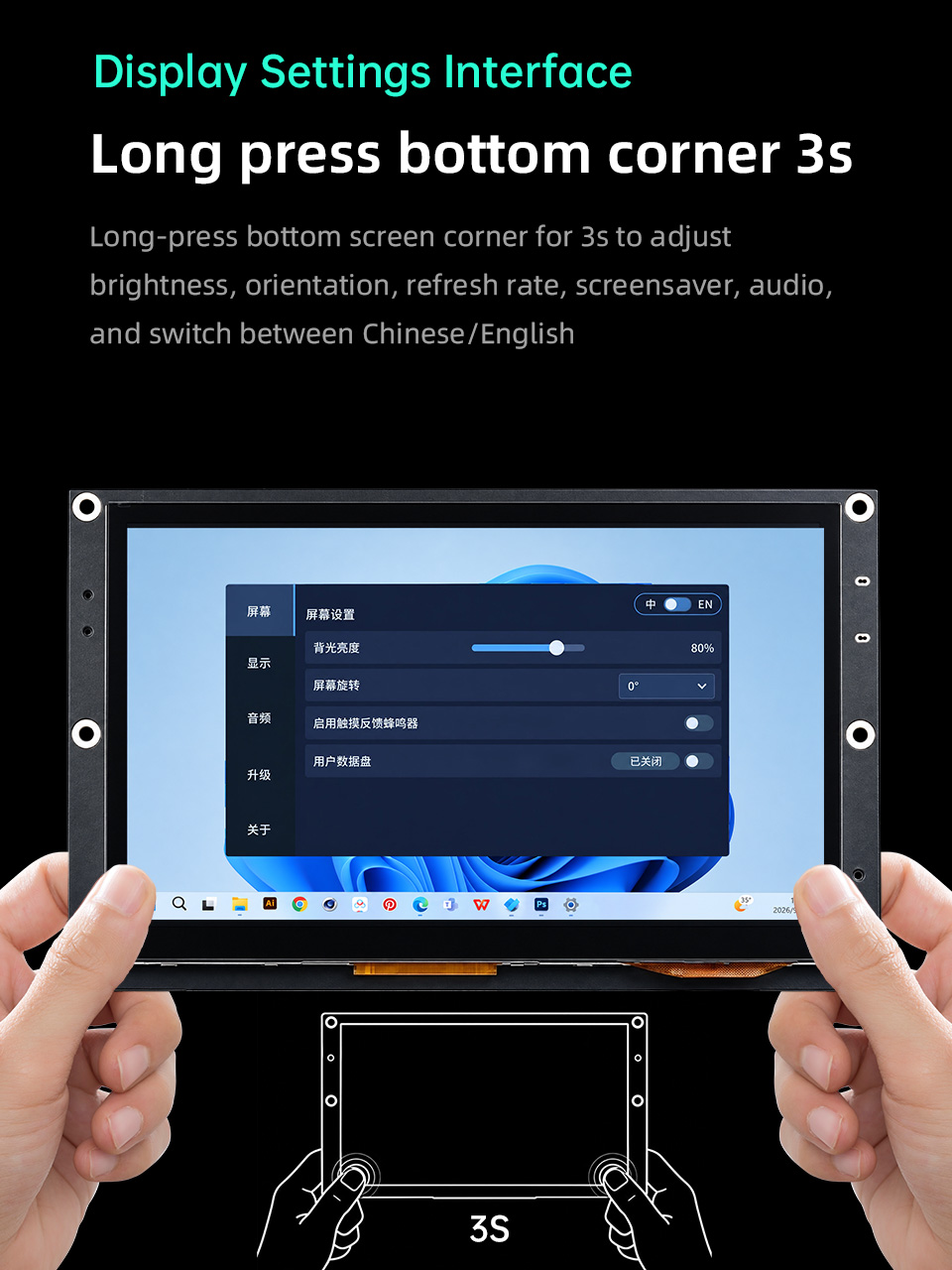
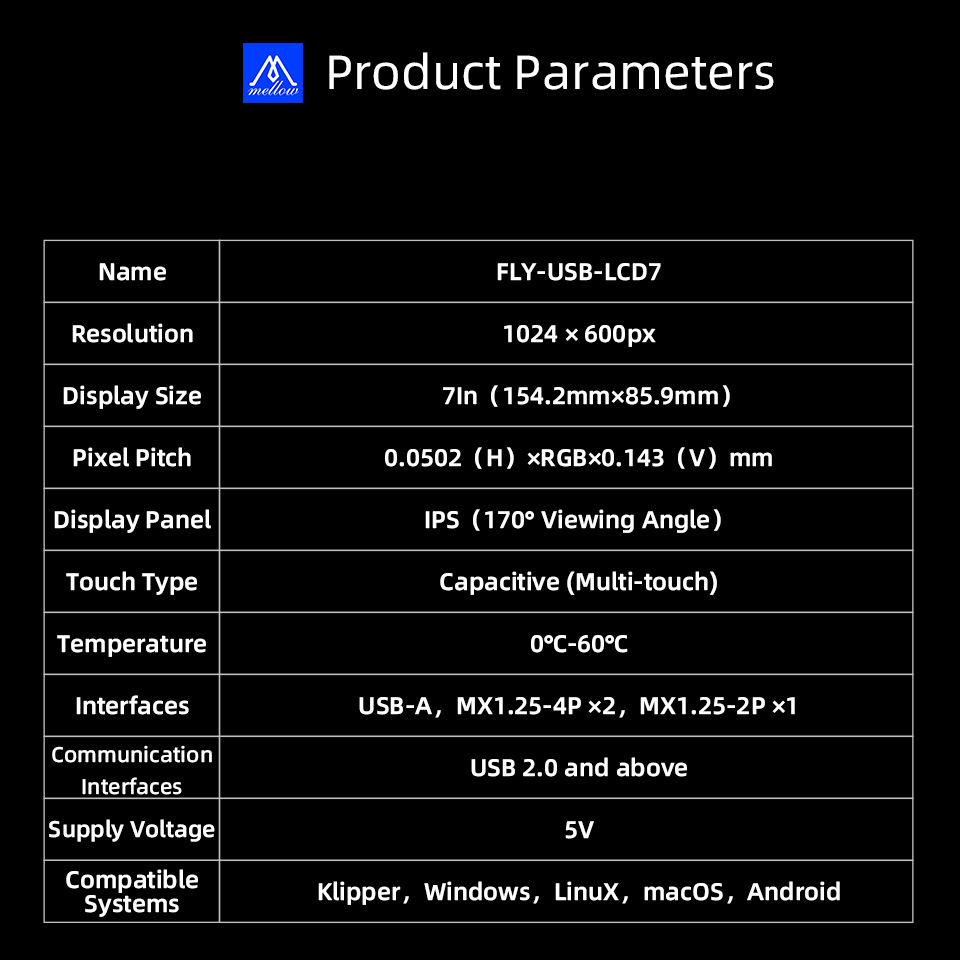
7" IPS 1024×600 + GT911 Capacitive Touch — Smooth response, adjustable brightness, auto screen-off sleep with touch wake-up.
Plug into Almost Anything — Works on USB 2.0/3.0 Type-A ports, no GPU video output or DP needed. Celeron, old Core i, ARM boards and Raspberry Pi all work.
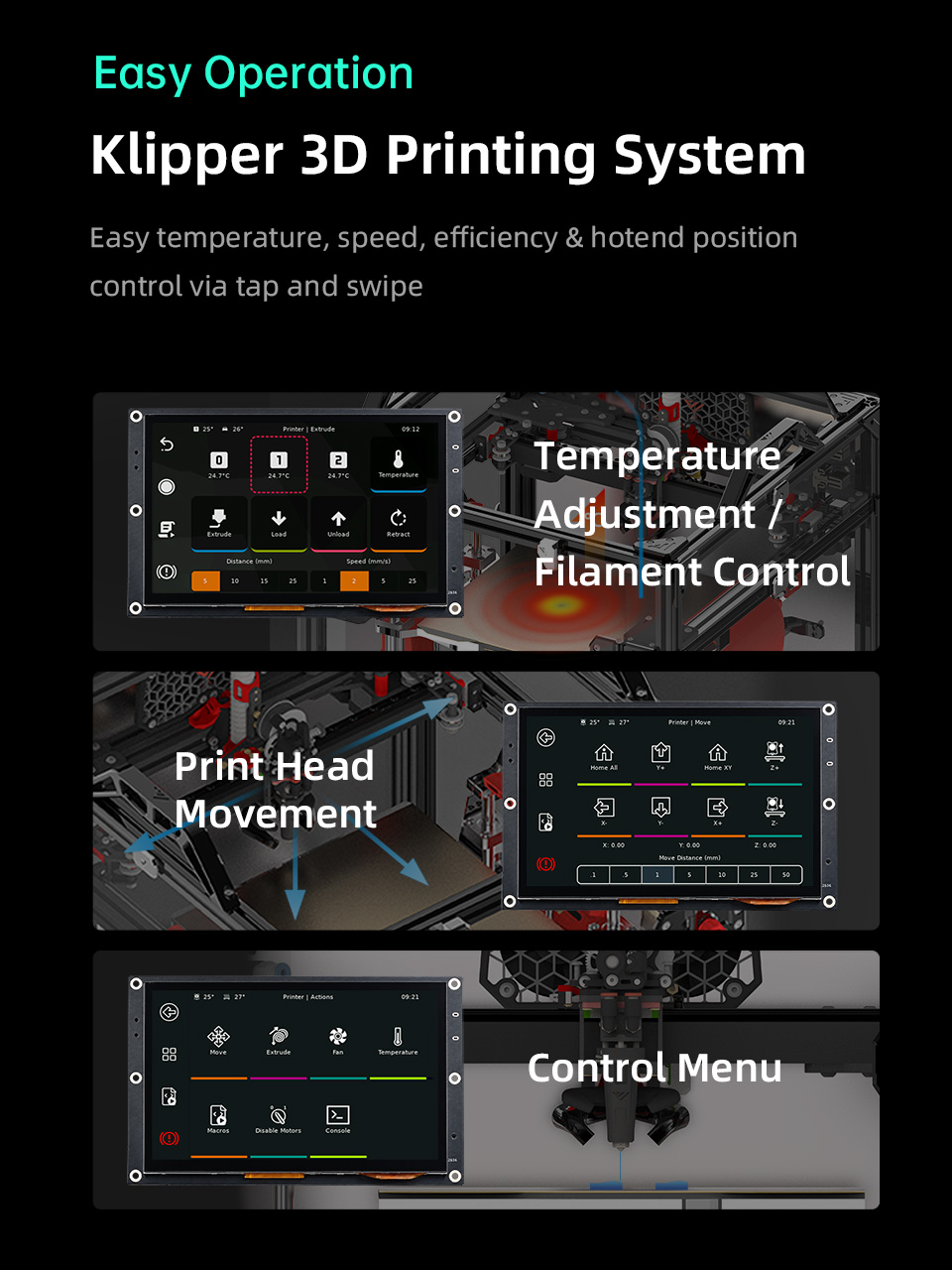
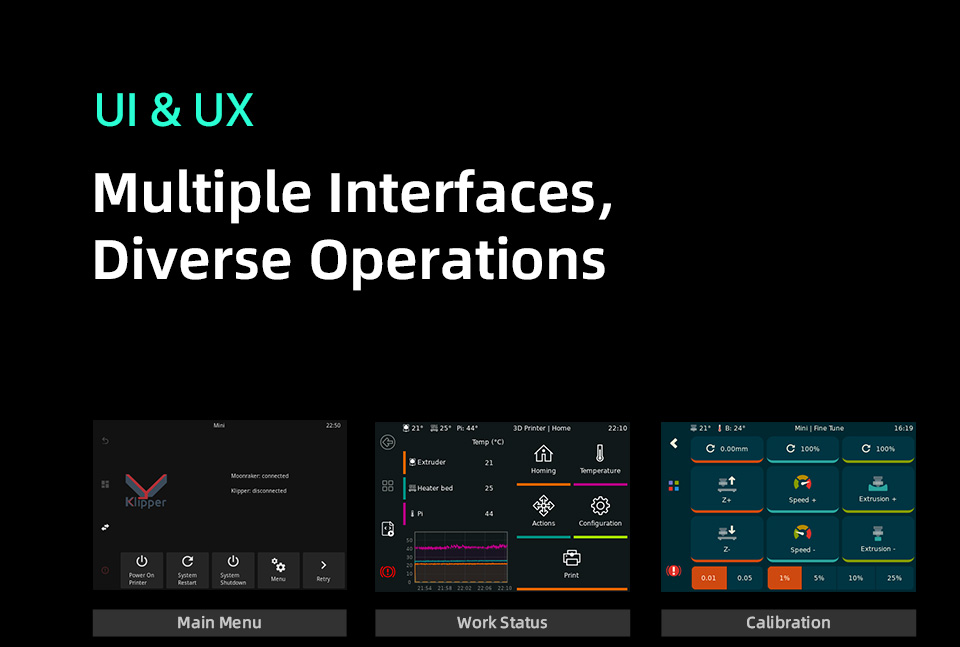
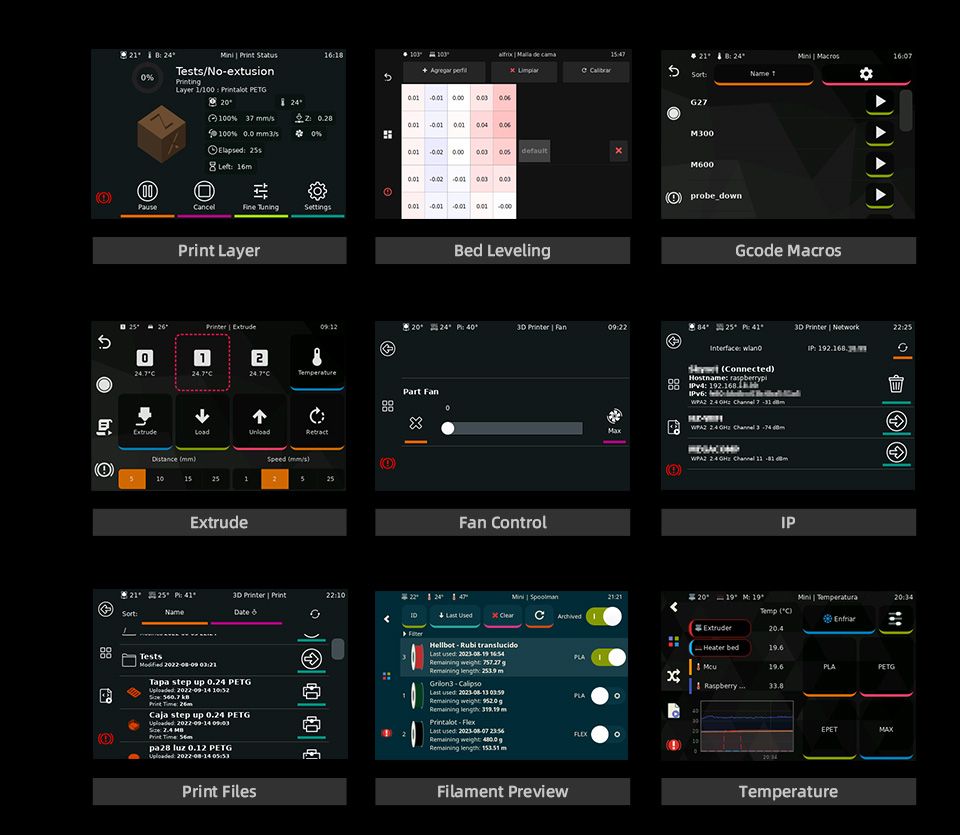
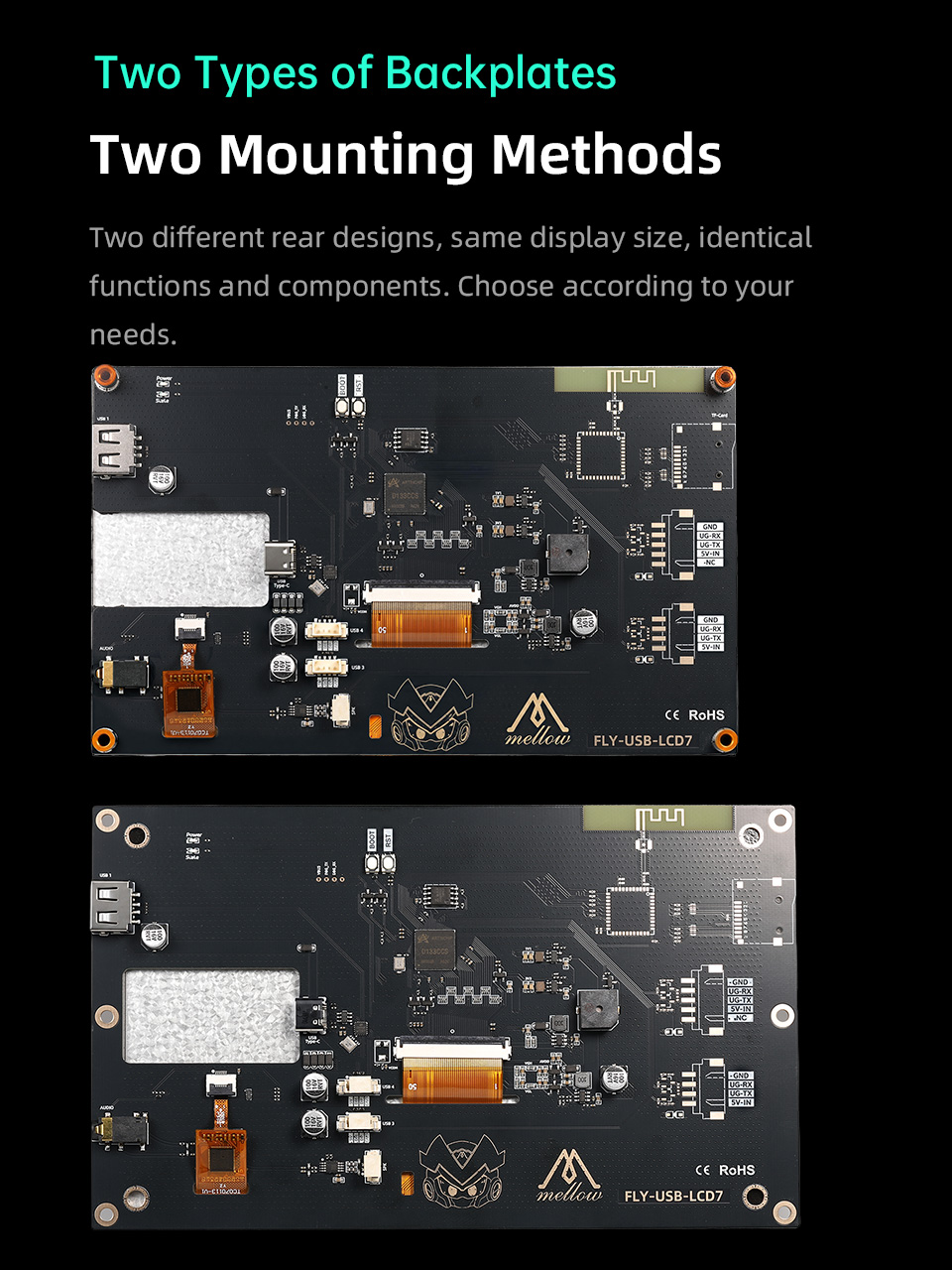
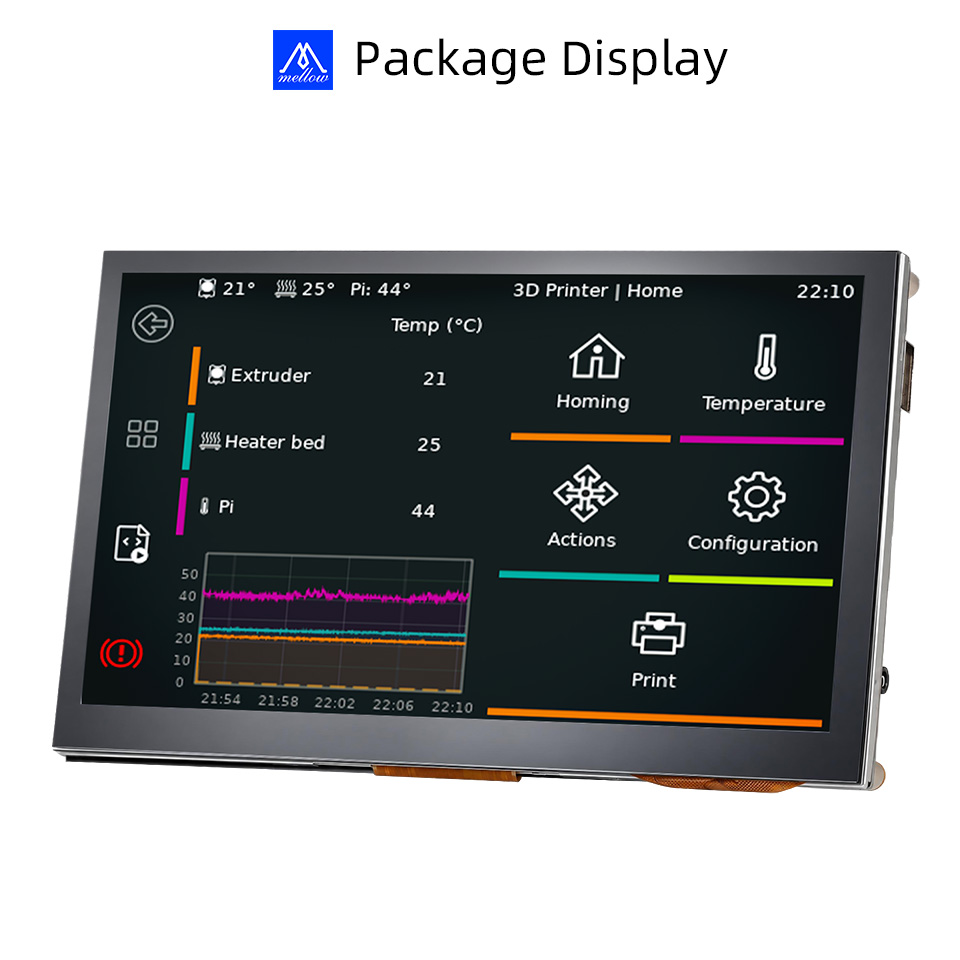
Built for Klipper / KlipperScreen — FlyOS 4.0+ has the driver pre-installed; other systems just need one driver install. Two PCB sizes included for sheet-metal or custom enclosure mounting.
Product Overview
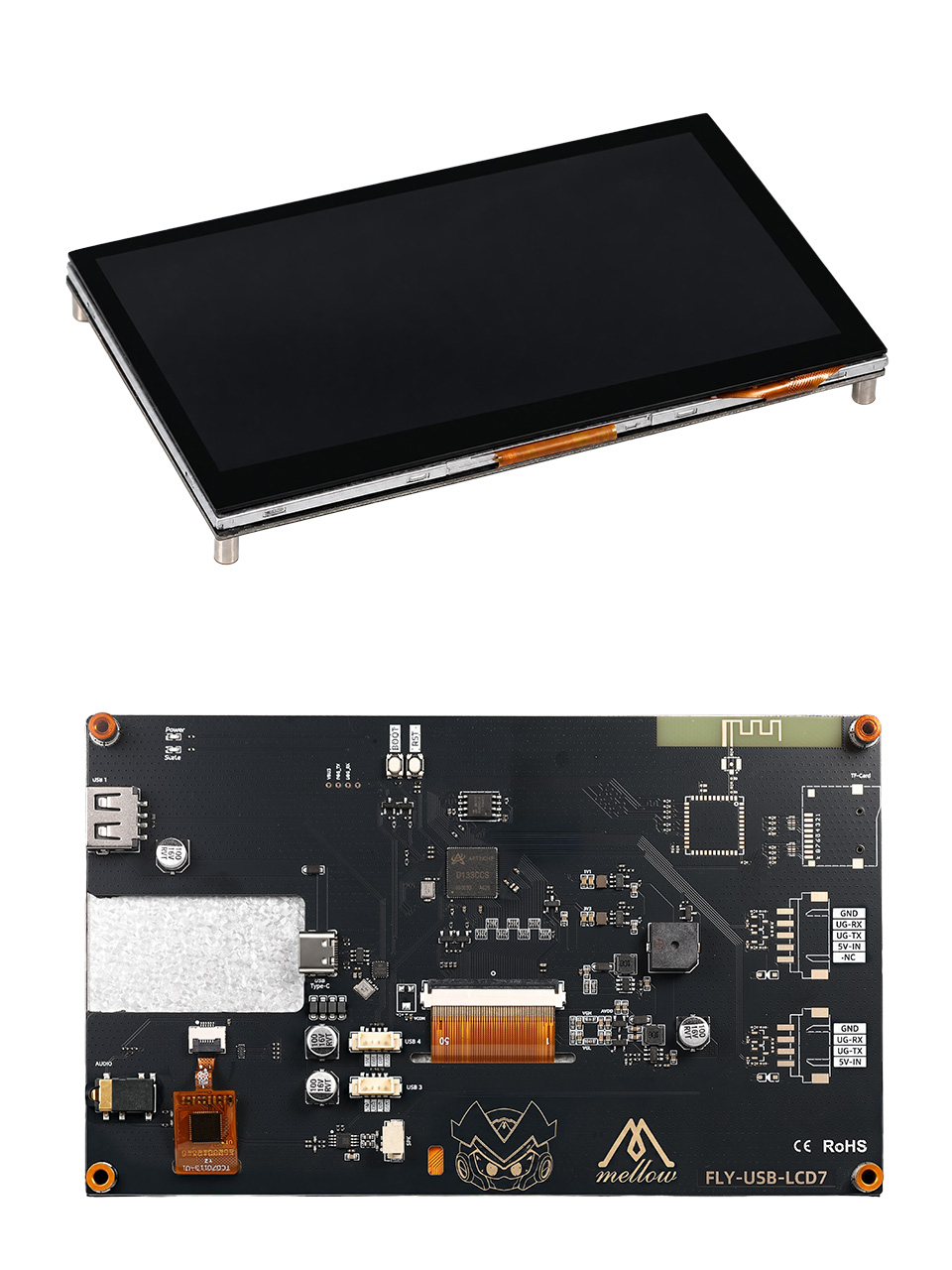
This is a 7-inch USB touch display designed as a secondary screen and machine control panel. Instead of HDMI plus a separate audio cable, it connects with one USB cable — the host pushes the image over USB (MJPEG) and the screen handles display, touch and audio.
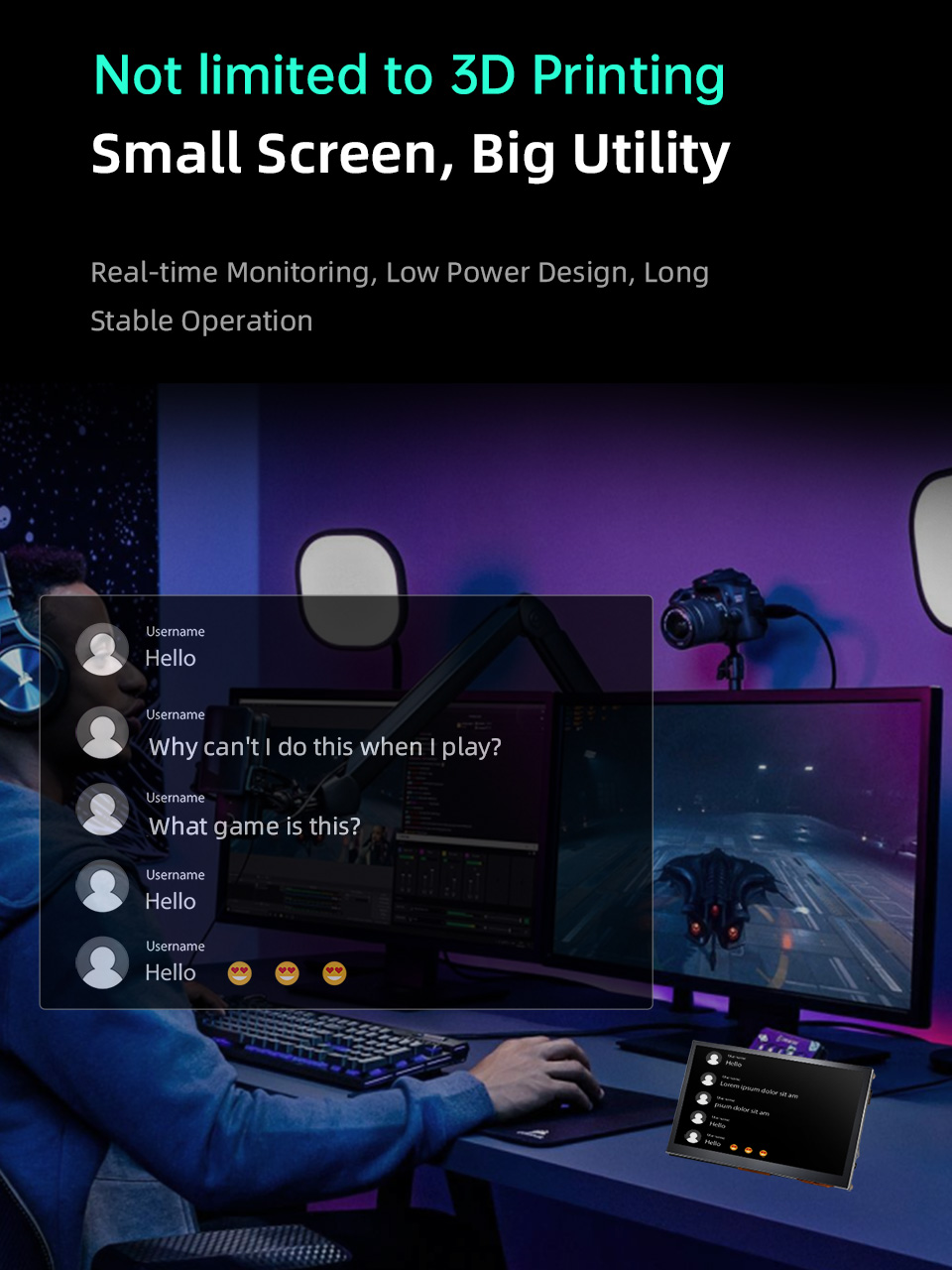
That makes it ideal as a PC second screen, a Klipper / KlipperScreen host display for 3D printers, or a control panel for Raspberry Pi, Orange Pi and other low-power SBC projects. Two PCB mounting sizes are provided, so you can either screw it directly into a sheet-metal frame or build it into your own enclosure.
System Compatibility
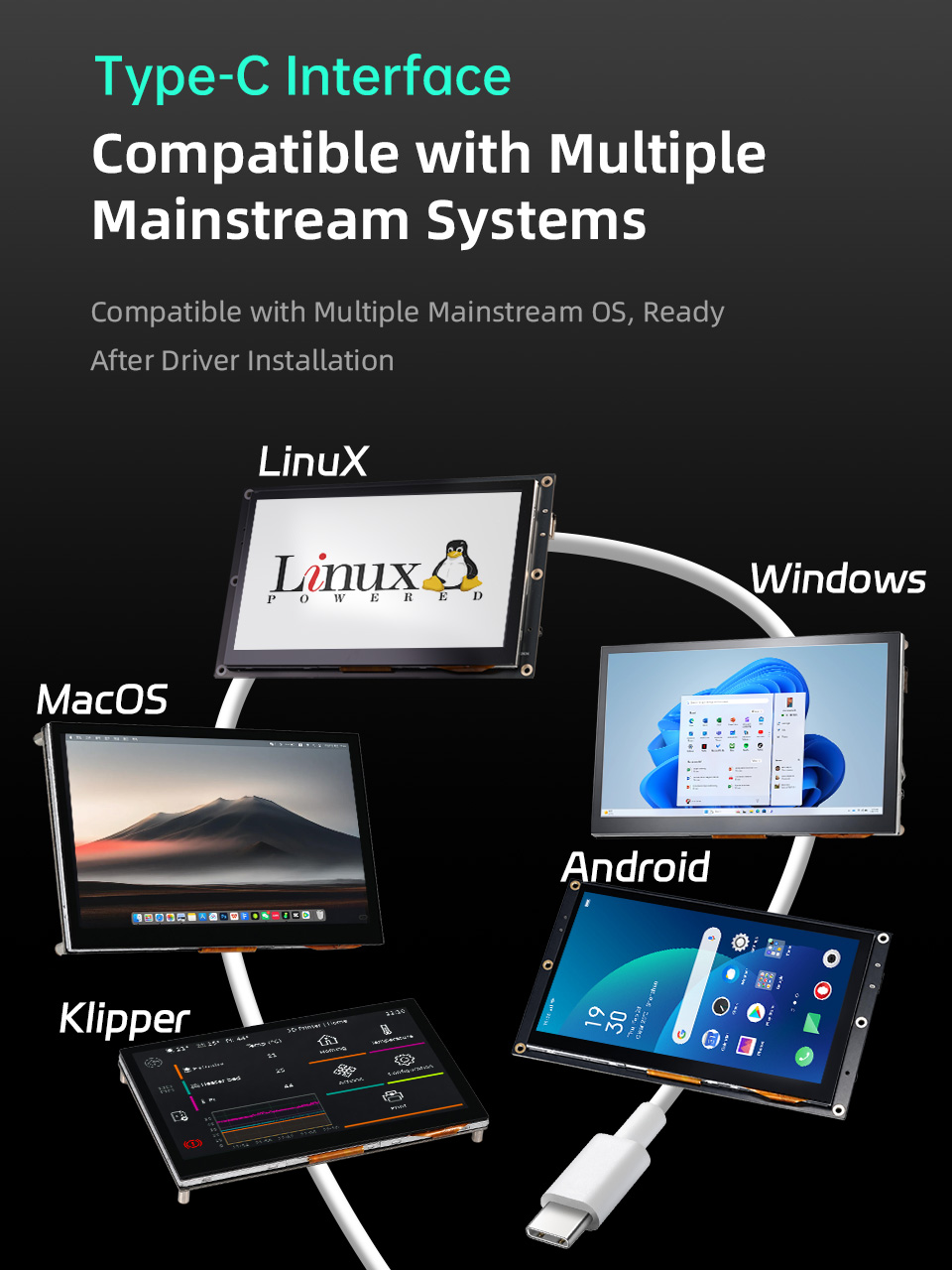
Ready to use (driver pre-installed): FlyOS 4.0+
Driver installation required:
Windows (Intel/AMD PC) Win10 1903+ / Win11 x64
Windows (Snapdragon ARM, e.g. Surface Pro X) Win10 1903+ / Win11
Mac M1/M2/M3/M4 (Apple Silicon) macOS 13.0+
Mac Intel (older Mac) macOS 13.0+
Linux (Intel/AMD) Kernel 5.4.0+
Raspberry Pi 4/5, Orange Pi 64-bit ARM Kernel 5.4.0+
Raspberry Pi 3, Orange Pi Zero 32-bit ARM Kernel 5.4.0+
Android tablet / phone Android 10+
If your system is incompatible with the driver, please contact us to check whether an update can be provided to support your system.
1Package Includes
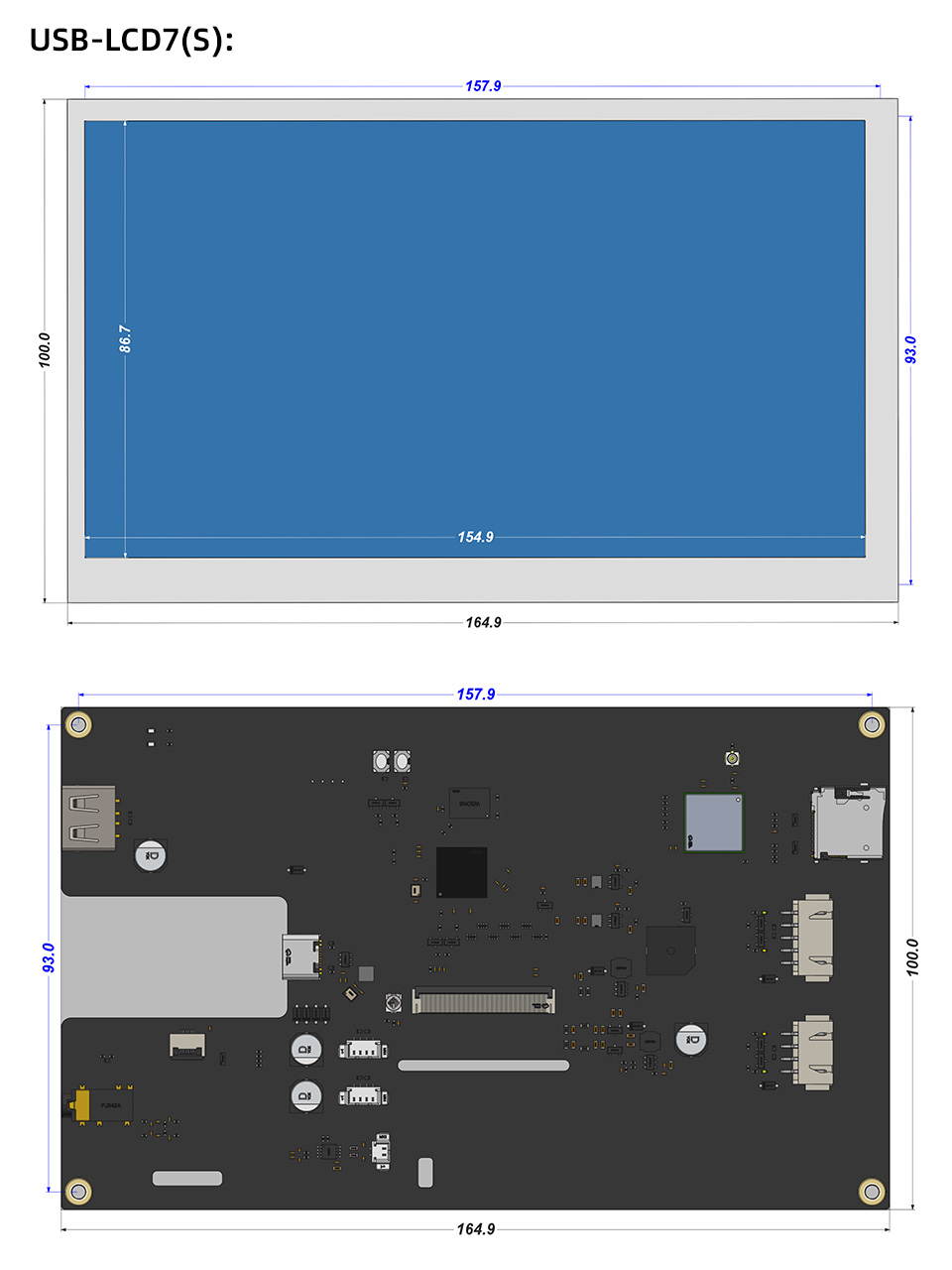
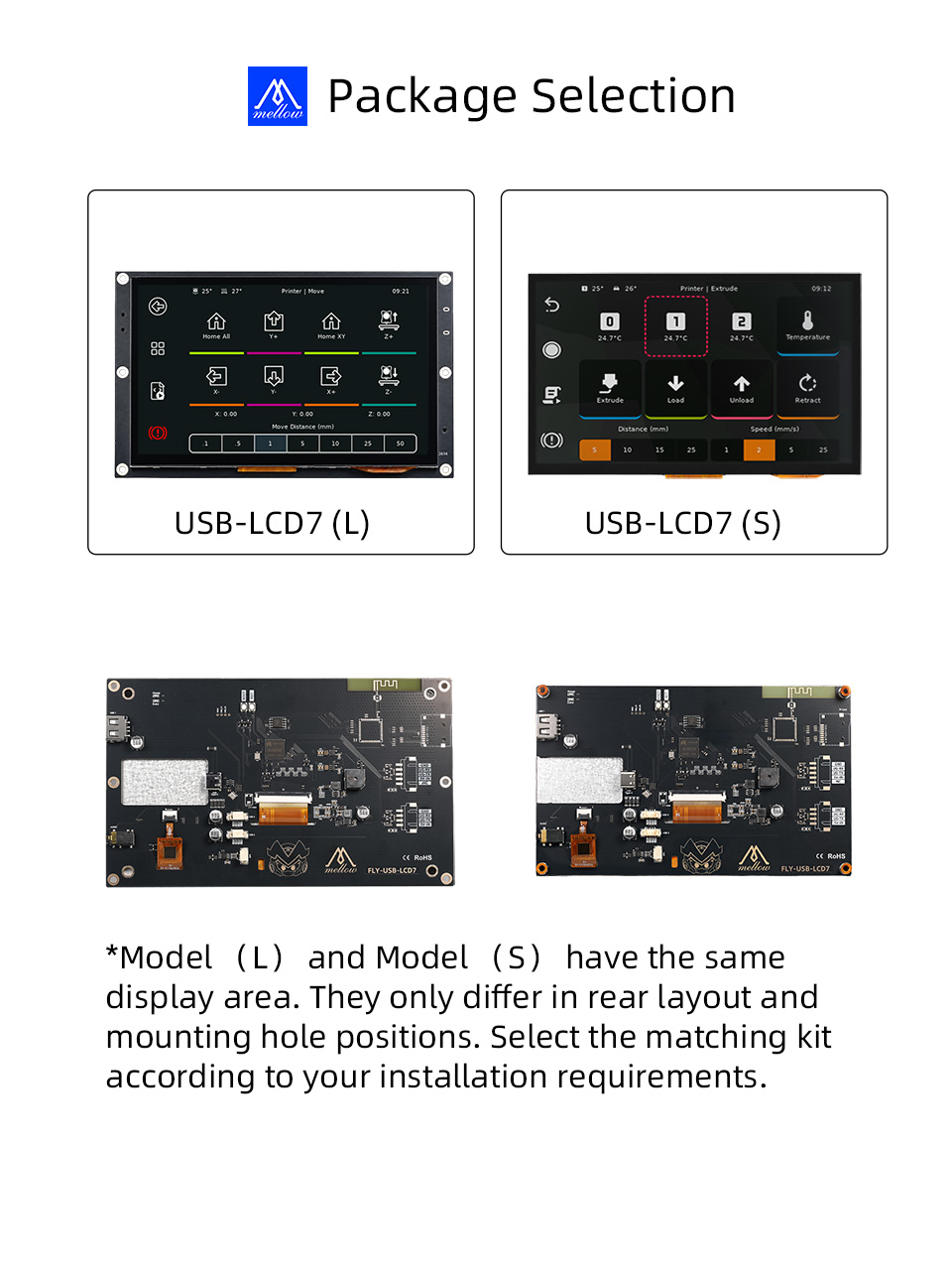
Set 1:USB-LCD7(S)
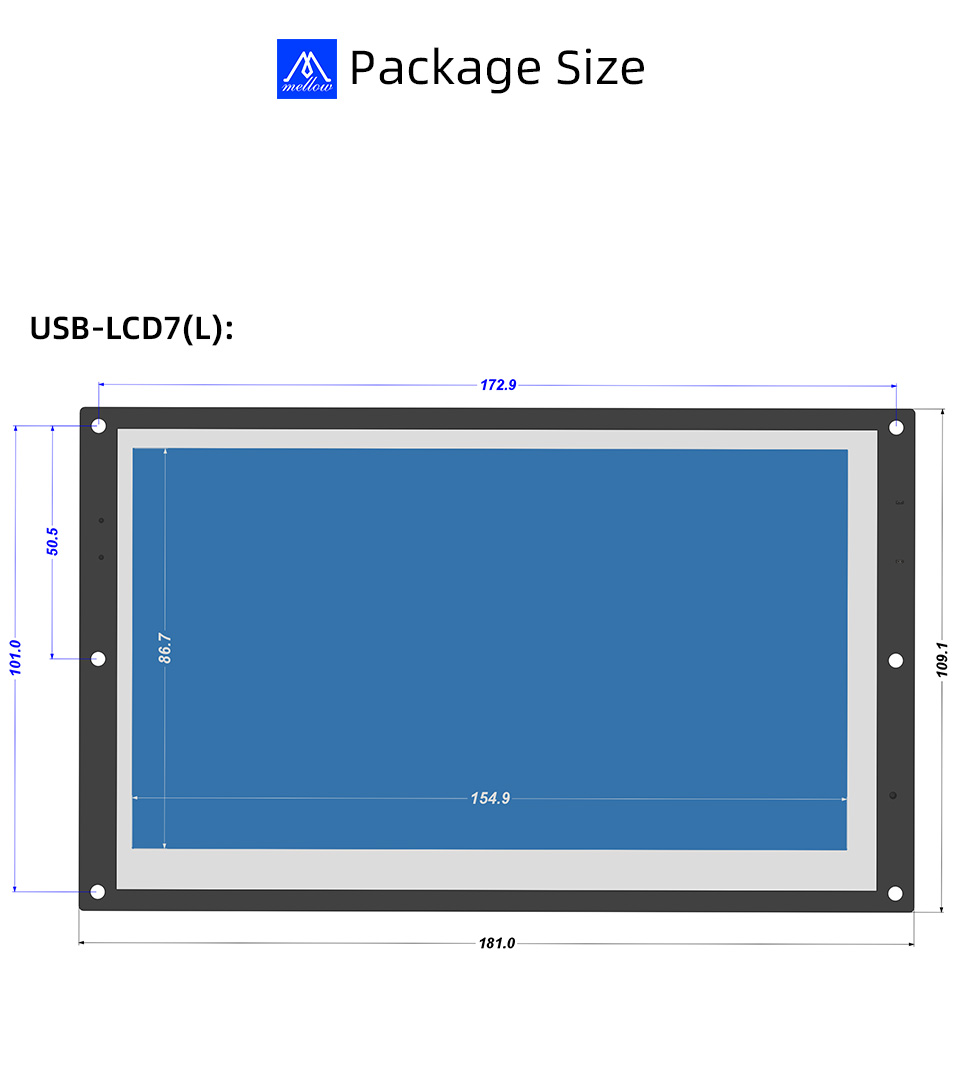
Set 2:USB-LCD7(L)
1FAQ
Q: Do I need an HDMI cable?
A: No. One USB cable handles video, audio, touch and power.
Q: Is it driver-free?
A: On FlyOS 4.0+ it is plug-and-play for KlipperScreen. On Windows / macOS / Linux / Android / Raspberry Pi OS, please install the driver once — we provide the download instructions.
Q: Can it be used as a PC second screen?
A: Yes, it works as a secondary display over USB on the supported systems listed above.
Q: Will it work on an old or low-power computer?
A: Yes. It does not need GPU video output or GPU acceleration, so Celeron / old Core i / ARM SBC platforms are fine.
Q: Which cable should I use?
A: Use a data-capable USB-C cable (charge-only cables will not work). USB-C to USB-A is fine.
Q: Can I build it into my own housing?
A: Yes, two PCB sizes are offered — one for direct screw mounting on sheet metal, one for a separate external enclosure.